ISO 13485 complaint section - everything you need to know
ISO 13485 complaint section ensures effective complaint management in medical devices, and Isolocity QMS simplifies tracking and compliance.
Blog
September 18, 2024
6.3.3. Part received?
6.3.4. Recall required? 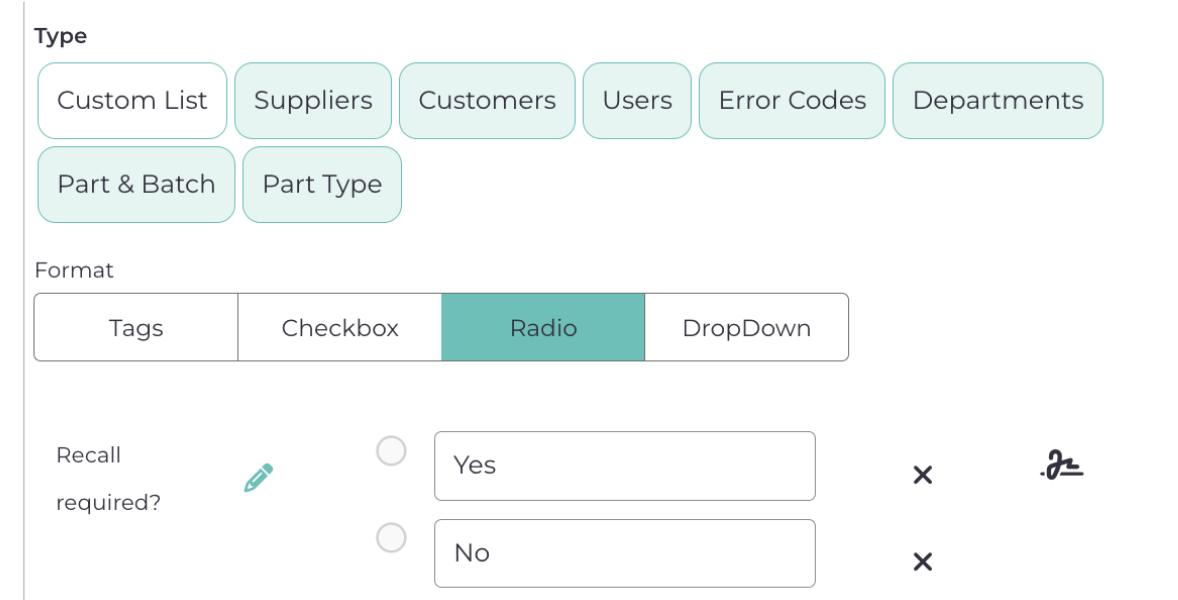
6.3.5. Comments: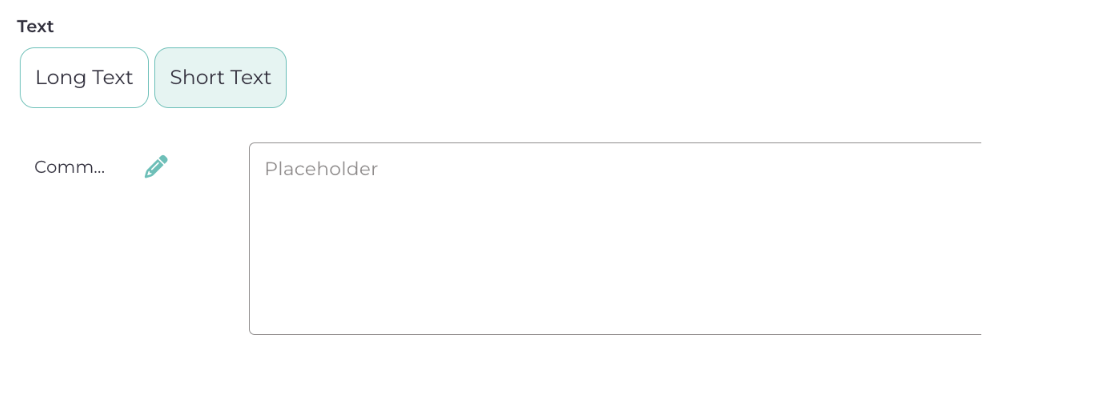
Once you are done with all the fields, click Save button. Also do remember to add subscribers if you have anyone in your mind. 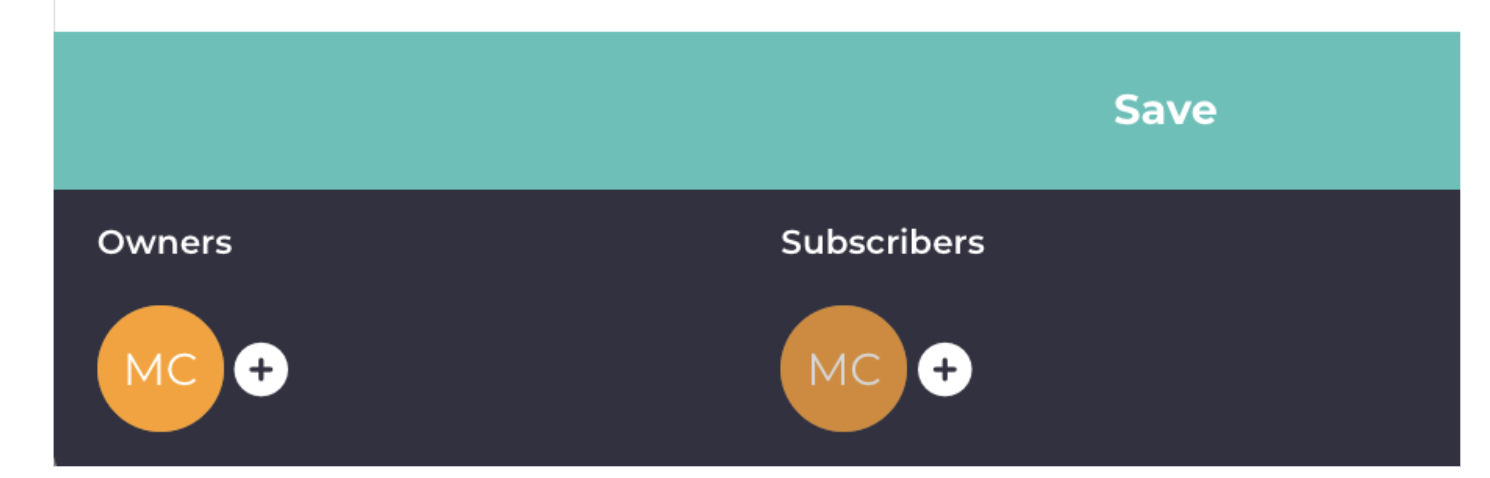 And you are done with the customer complaint template. Now let’s see how that looks when you try to file a new customer complaint. But before doing so, you will have to approve the current template you have just created. So head over to the template section, open the template you have just created, and click on approve. Now let’s go to the quality events module and see if you find that template. Open quality events and click on this + sign on the top right.
  In the quality event type dropdown, search for the quality event you just created, and it will show up. Select that template and start creating the customer complaint. For name, give it anything, let’s say, Incident 545. Now as you start filling it up, you will see all the fields you entered in the template are popping up here. Not only that, they are also connected to internal modules, which you connected, for example, you will be able to look up parts or batches, look up customers, etc.
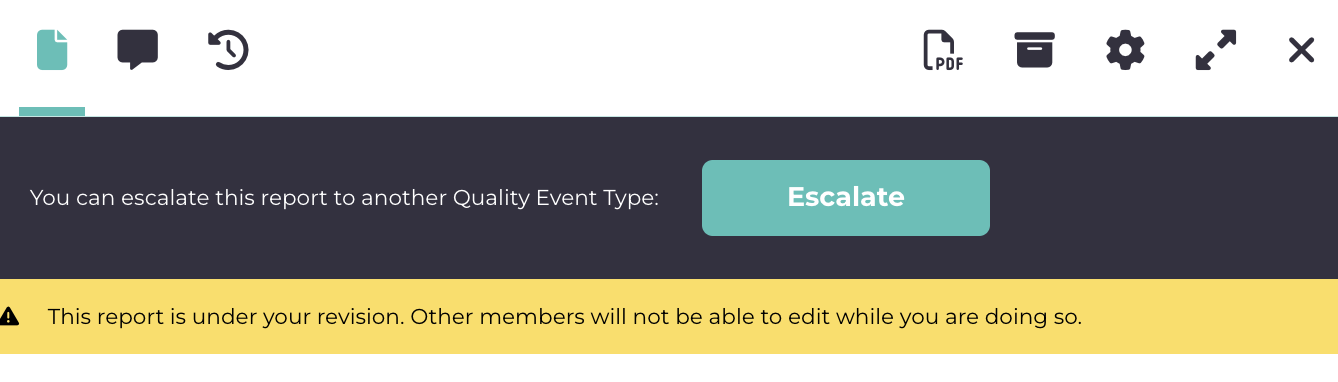
  On the top you would notice, you can also escalate this to another quality event, for e.g., if you want to link it to CAPA or NCR, you can do it from here and all of them will be interlinked.